> ## Documentation Index
> Fetch the complete documentation index at: https://docs.pathstack.io/llms.txt
> Use this file to discover all available pages before exploring further.
# Verizon Connect
To connect your Verizon Connect telematics data with PathStack, you will need the following access credentials:
* Username
* Password
* App ID
For Verizon FTC customers, our team can assist with this process. Please contact us on 1300 822 370 for more details.
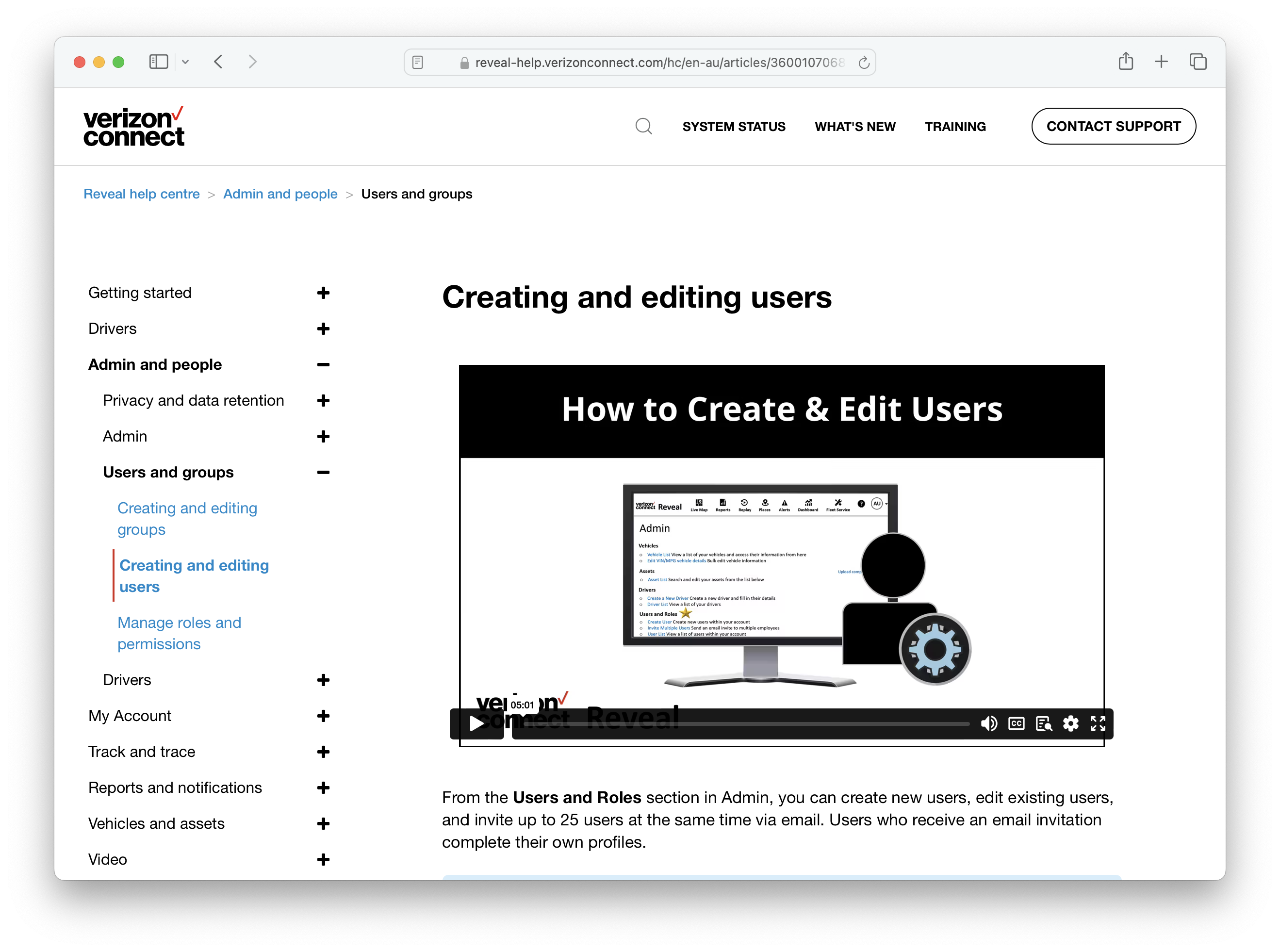
Create a new user in Verizon's Reveal platform by following [this help centre guide](https://reveal-help.verizonconnect.com/hc/en-au/articles/360010706839-Creating-and-editing-users). We advise assigning this user the Analyst role and providing read-only permissions to account data. The Username and Password credentials required to connect to PathStack are those assigned to this user.
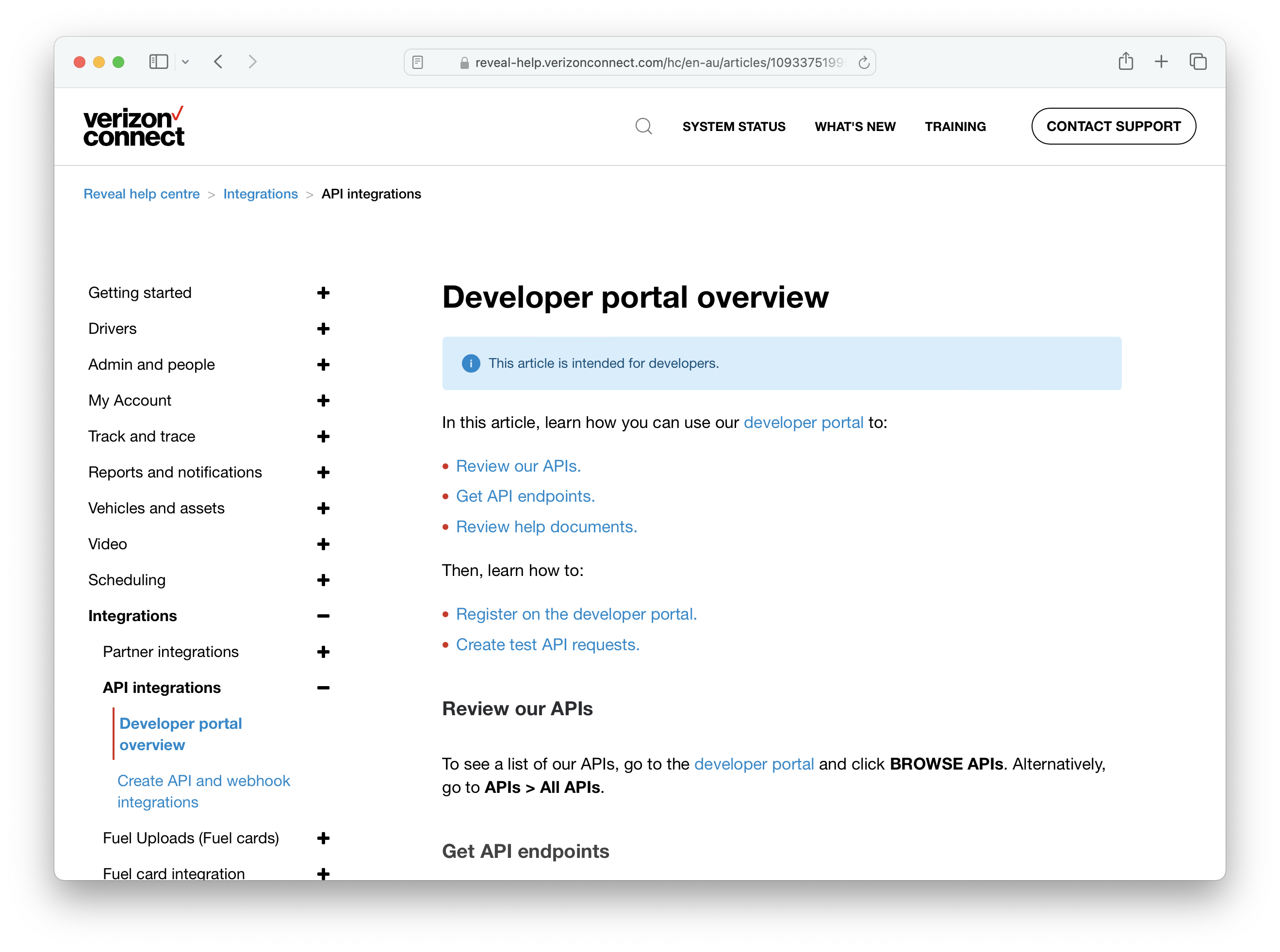
 To obtain the App ID credential, you need to register a new app on Verizon's developer portal for your Verizon account. Please see [this guide](https://reveal-help.verizonconnect.com/hc/en-au/articles/10933751995539-Developer-portal-overview) for instructions on how to do this.
 For more help obtaining these credentials, please contact your Verizon Customer Success Manager or their office via 1800 039 642 or [supportaus@verizonconnect.com](mailto:supportaus@verizonconnect.com)